Kimber
Guide
What an IPTV player is — and how to pick a good one
An IPTV player is an app that plays television delivered over the internet from a playlist you provide — it is the television set, not the broadcaster. You bring a playlist from your provider; the player turns it into channels, a guide, and a library. KimberPlay is one of those players. This page explains the moving parts honestly, because an informed choice tends to go our way.
The two playlist formats: M3U and Xtream
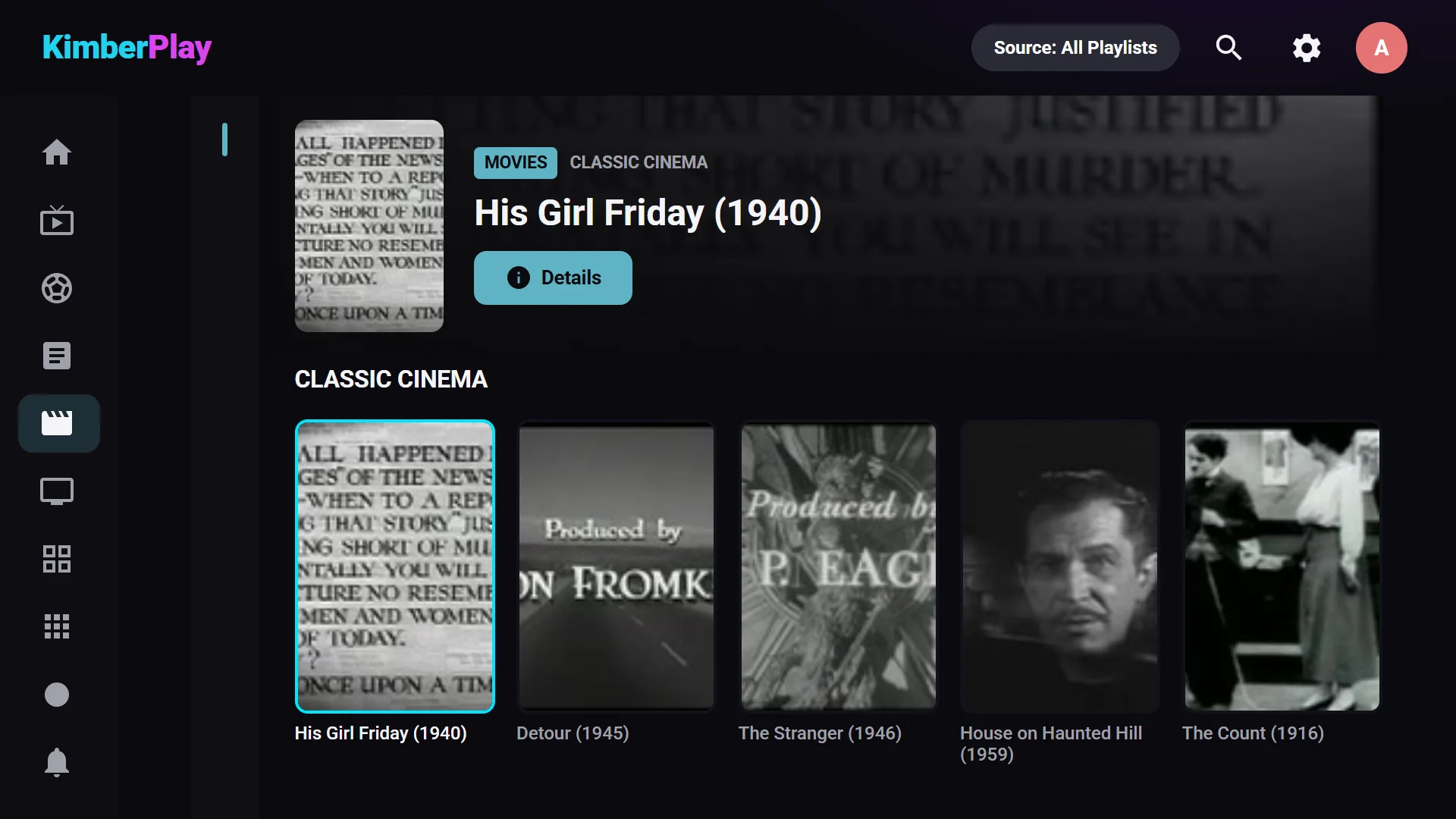
Nearly every IPTV service hands you one of two things. An M3U playlist is a text file of channel entries — names, logos, groups, stream URLs — usually with a linked XMLTV guide. Xtream Codes is a login (server, username, password) that the player queries for live channels, movies, and series, with the guide built in. KimberPlay speaks both: paste an M3U URL or sign in with Xtream and the result is the same organized library.
What separates a good player from a frustrating one
- It survives real playlists. Provider playlists are messy at scale — hundreds of thousands of entries, duplicated channels, junk categories. KimberPlay’s engine was built against million-entry playlists and deduplicates the same movie across sources into one title.
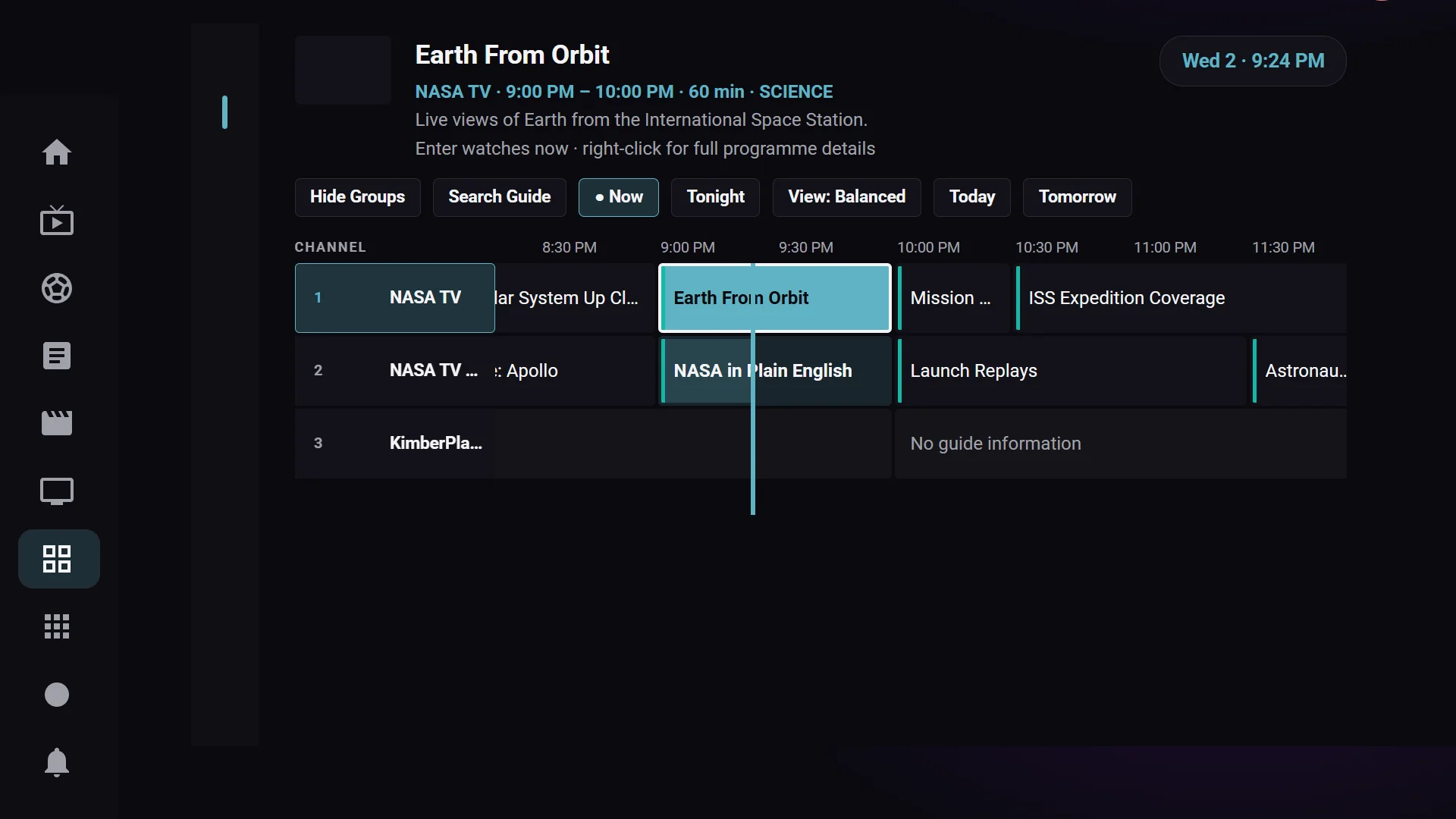
- The guide works even when the playlist is sloppy. A large share of channels ship with a blank or wrong guide id. KimberPlay matches those channels to the guide by name — conservatively, so a wrong schedule never silently replaces no schedule.
- Your library needs a recovery path. Check where playlists and settings are saved, export a backup before changing devices, and keep a copy of your source details. Browser storage can be cleared or run out of space; a player should make failed saves visible.
- The remote actually works. A TV app lives and dies by D-pad behavior: predictable focus, no self-clicking long-press menus, no unreachable buttons.
What KimberPlay adds on top
- A Sports Hub that reads real fixtures and jumps you to the exact channel carrying the game.
- A cable-box-dense guide with catch-up markers and per-channel guide assignment.
- A PIN-locked private library that keeps adult provider categories out of the family rows entirely.
- Twelve interface skins, from pure-black OLED to a retro cable-guide look.
- One Plus license covers up to five devices. Compare the platform feature matrix; Samsung TV remains in development.
The part we will always say plainly
KimberPlay is player software only. It ships with no channels, no playlists, and no subscriptions, and we neither sell nor recommend any. You are responsible for the content you load and for complying with the laws where you live. Check the source of any included content and whether you have permission to watch it. Player software and permission to access a particular channel are separate things.
Choose a platform and get started
Windows setup guide · Browser setup and compatibility · Fire TV setup
KimberPlay is free to install and free to use — Plus adds power features when you want them. On a Fire TV Stick, follow the Firestick install guide; on Android TV, download directly from kimberplay.com/apk. Coming from TiviMate? Read the honest comparison. Questions first? The FAQ answers the ones that matter.