Kimber
Comparison
A TiviMate alternative that respects why you liked TiviMate
Credit first: TiviMate earned its reputation. Its dense, cable-box guide set the standard every IPTV player gets measured against, and if it does everything you need, keep using it. KimberPlay exists for the people who hit its edges — and this page sticks to things KimberPlay verifiably does, not potshots at a competitor.
Where KimberPlay goes further
Your library survives updates — provably
The single loudest complaint in IPTV forums is updating a player and finding playlists gone. KimberPlay’s update path migrates your library forward on every version, and that migration chain is enforced by automated tests that must pass before a release can ship. We publish the promise because we can keep it.
The guide works on sloppy playlists
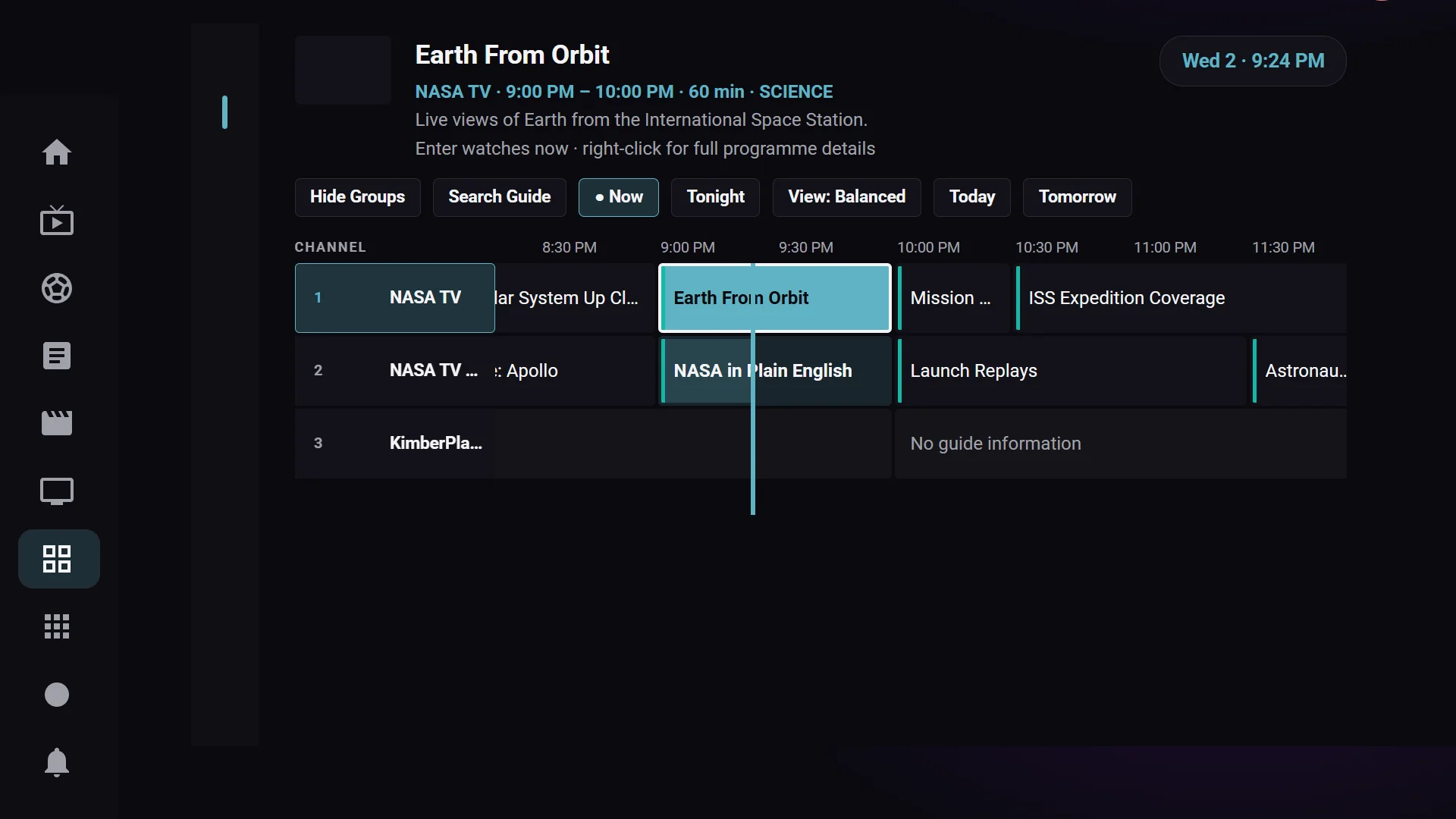
Real playlists ship thousands of channels with blank or wrong guide ids — in most players those are permanent “No information” rows. KimberPlay matches them to the guide by name, conservatively: exact matches only, and an ambiguous name matches nothing rather than guessing wrong. Anything left over can be assigned by hand in two clicks. The guide itself keeps the dense, low-chrome cable-box layout you came for.
Sports Hub: from fixture to channel
KimberPlay reads real game schedules and, when you press Watch, ranks your channels by how certainly they carry that broadcast — the exact network first, its affiliates next, distant cousins last — instead of dumping every channel that shares a word with the network name.
A private library that actually stays private
Provider playlists love to leak adult categories into family views. KimberPlay classifies them out into a PIN-locked space that never surfaces in rows, search, or screensavers — and one long-press fixes any classification mistake in either direction.
One purchase, your whole house
KimberPlay Plus is $9.99/year or $29.99 lifetime, covers five devices on one key, and the Free tier stays genuinely usable — watch live TV with the full guide without paying anything. A Samsung TV app is in development on the same license, no separate purchase.
Where TiviMate may still fit you better
Honesty cuts both ways: TiviMate has years of maturity, a large community, and refinements we are still earning. If your playlist is tidy, your guide ids are correct, and it has never lost your setup, you have no problem worth switching over. KimberPlay is for the day the playlist is messy, the game is on and you cannot find the channel, or an update eats your library one time too many.
Try the switch without burning anything
KimberPlay is free to install alongside TiviMate — same playlist in both, compare for a week. Fire TV: two-minute install guide. Android TV: kimberplay.com/apk. Both apps are players only; neither includes content, and your playlist comes from your own provider either way.