Kimber
Fire TV · M3U
M3U player for Firestick
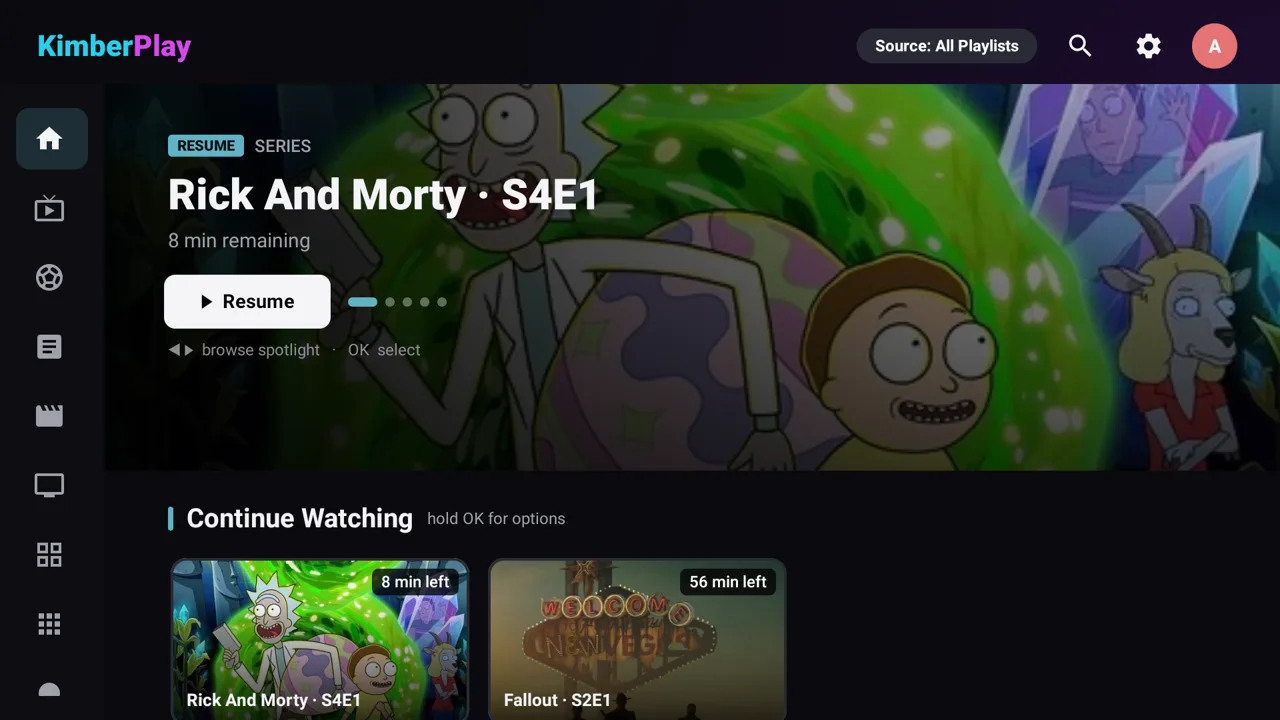
A Fire TV Stick already has the remote and the screen. KimberPlay is the player that turns an M3U URL — the long playlist address from your own provider — into a channel list, a guide, and movie and series rows. The install itself is a separate two-minute walkthrough; this page is what that M3U file is and what the Stick does with it.
The playlist, not a package of channels
An M3U file is a snapshot: one line per channel or title, with a name, a group, a logo, and a stream URL. Many providers also point at an XMLTV guide with url-tvg. KimberPlay does not host that file and does not convert it. You paste the URL you were given. If the only login you have is a server, username, and password, that is Xtream, not M3U — the player guide explains both.
Get the app onto the Stick first
KimberPlay is not in the Amazon Appstore. The Firestick install guide covers Developer Options, the Downloader app, and kimberplay.com/apk. Every build is signed, and the site publishes the checksum. Sticks back to the 2015 models are supported; the interface is built for the Fire TV remote, including number-key tuning and channel up and down from the player.
After you press Build My Library
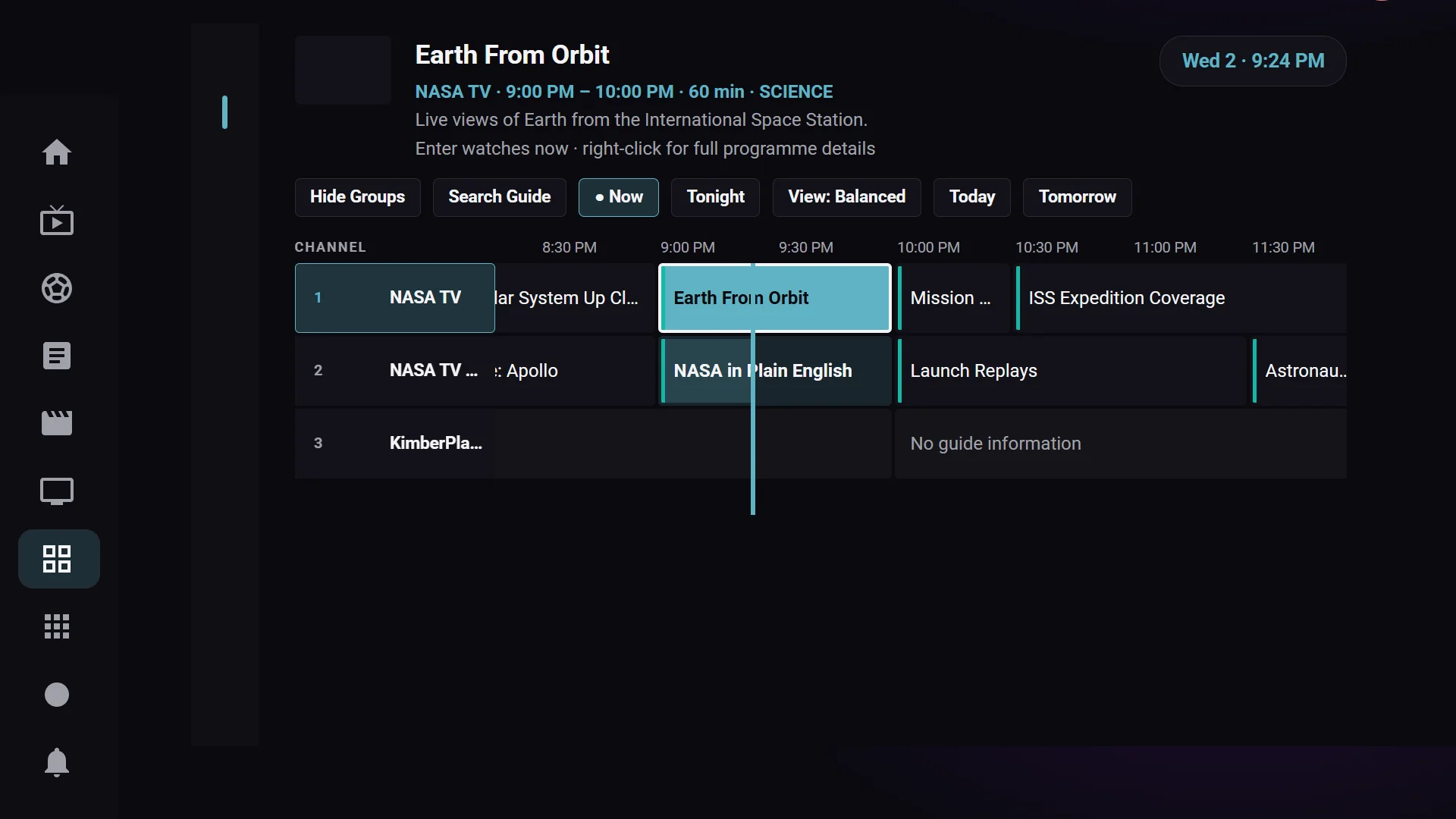
- Groups in the file become the channel list, with what’s on now and next when the guide has that data.
- Favorites and recently watched pin to the top.
- Movies and series in the same playlist are organized into their own rows, deduplicated when the same title appears more than once.
- Channels whose guide id is blank or wrong are matched by name. If two channels still look alike, the row stays empty rather than showing the wrong schedule, and you can assign it by hand from the guide.
- One playlist, playback, the guide, and search stay on the free tier. Plus is what adds further playlists, recording, catch-up where your provider offers it, multi-view, and the hubs.
No content included
KimberPlay provides no content or channels. It does not sell, host, or recommend playlists. Use a playlist you are authorized to access.
The same M3U link on a Google TV or Android TV box is the M3U player for Android TV. A stream address that ends in .m3u8 is HLS inside the playlist, covered on the M3U8 player page. If the guide is blank after a good import, use the guide checklist.