 Kimber
Press
KimberPlay press kit and fact sheet
Updated October 15, 2026
KimberPlay is an IPTV player for Fire TV, Android TV, Google TV, Windows, Linux and web browsers. It plays sources users bring themselves and sells no channels. Everything on this page is current as of the date above and matches the rest of the site; if you need something that is not here, write to us.
About KimberPlay
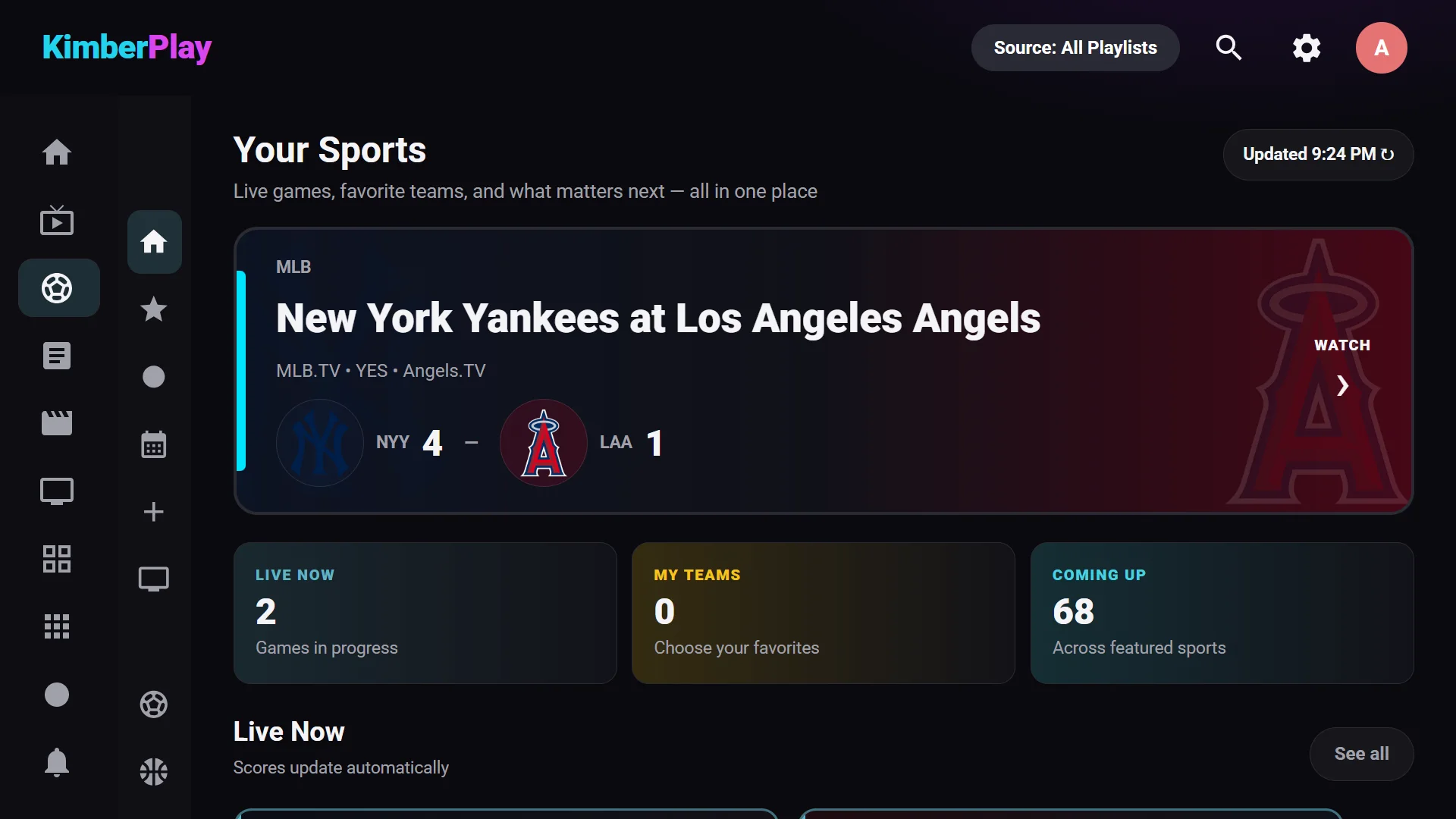
KimberPlay is player software that turns an M3U playlist, Xtream login or Stalker portal into a television-style app: live channels with a program guide, movies and series with artwork, search, and a Sports Hub that matches fixtures to the user’s own channels. It is free to use with one playlist; KimberPlay Plus adds recording, catch-up, multi-view, multiple playlists and more for $9.99 a year or $29.99 once, on up to five devices. KimberPlay includes no channels or content and does not sell, recommend or partner with any IPTV service.
Fact sheet
| Product | KimberPlay, IPTV player software |
|---|---|
| What it does | Plays the M3U playlist, Xtream login or Stalker portal a user already has, and organises it into live TV with a program guide, movies, series, search and sports and news hubs |
| What it does not do | Sell, include, host or recommend channels, playlists or IPTV subscriptions |
| Fire TV (Fire OS) | Available: direct APK from kimberplay.com/apk |
| Android TV / Google TV | Available: direct APK, Android 5.0 or newer. Google Play release in preparation, not yet live |
| Windows 10 and 11 | Available: desktop app (plays through mpv) |
| Linux | Available: desktop app (AppImage and .deb) |
| Web browser | Available: kimberplay.com/app, for providers that allow browser access |
| Samsung TV (Tizen) | In development |
| Vega OS Fire TV Sticks | Not yet available; planned |
| iPhone, iPad, Apple TV, macOS app | Not available |
| Free plan | One playlist, live TV, guide, movies, series, search, favourites; no time limit. New installs get 14 days of Plus |
| KimberPlay Plus | $9.99 per year or $29.99 once (USD), up to 5 devices per key, 14-day refund policy |
| Interface languages | 9: English, Spanish, Brazilian Portuguese, German, French, Italian, Dutch, Polish, Turkish |
| Current version | 1.15.1, released October 16, 2026 |
| Contact | support@kimberplay.com |
Key features
- Program guide: a scrollable timeline from the provider’s XMLTV or Xtream guide, with conservative name-matching for channels that have missing guide ids.
- Large playlists: benchmarked with a 1,000,000-entry playlist on a Fire TV Stick; methodology and slow numbers included.
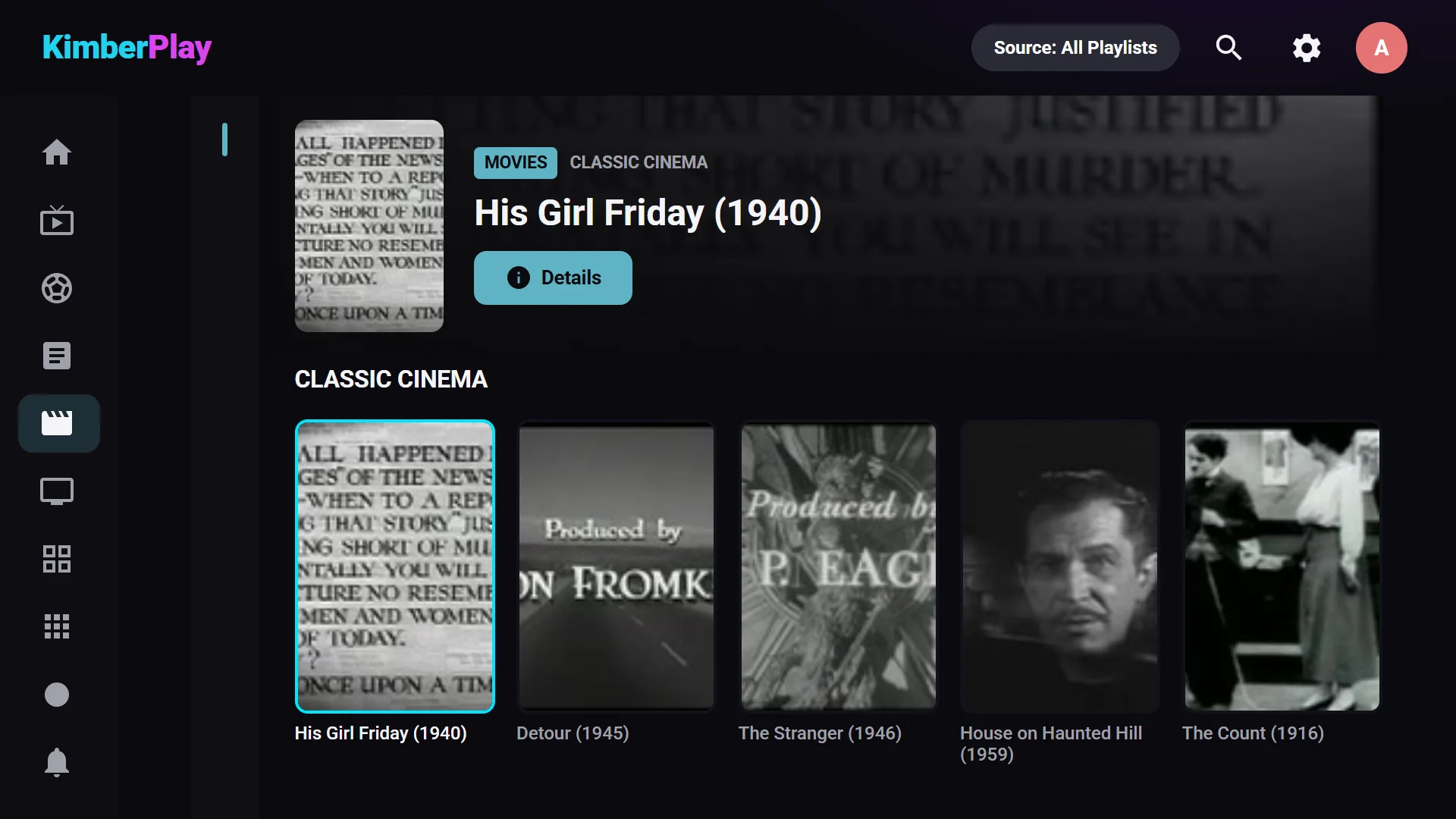
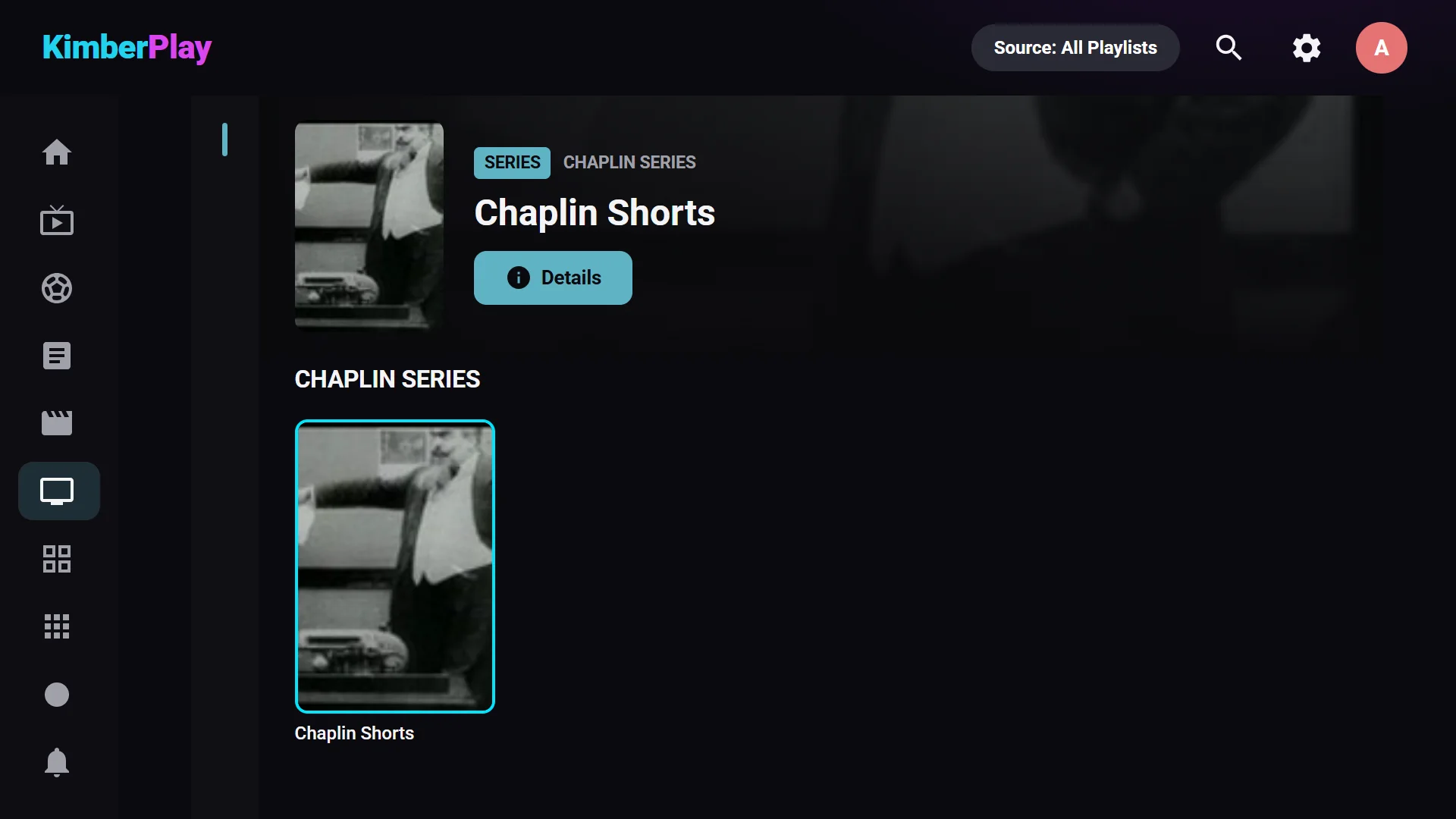
- Movies and series: duplicate titles across a playlist are grouped into one library entry with seasons, episodes and continue-watching.
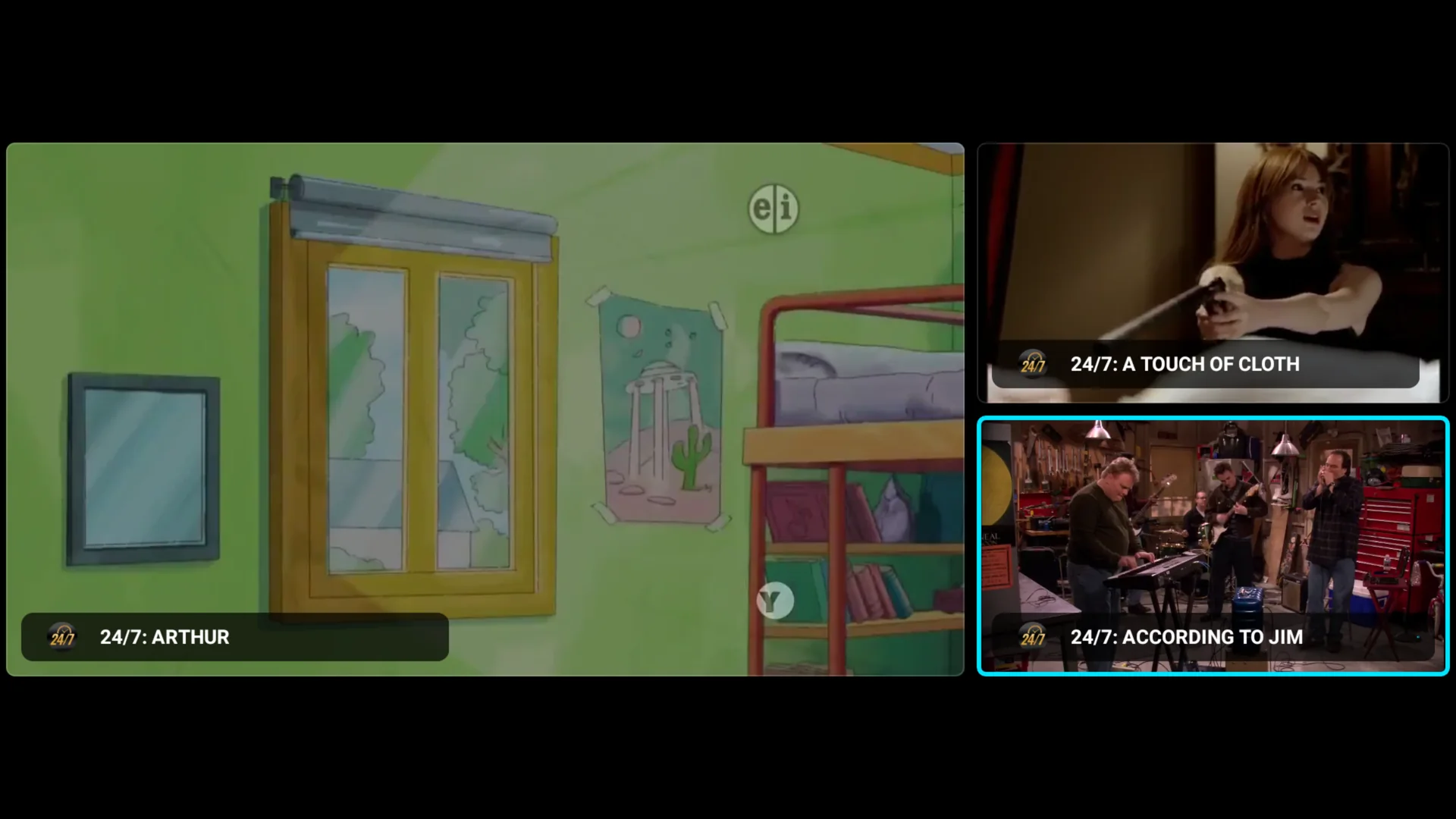
- Plus features: DVR recording (TV and desktop), catch-up (provider-dependent), multi-view of up to four channels (TV), multiple playlists, reminders, backup and restore, skins, optional Cloud Sync and a phone remote (TV).
- Privacy: the library is stored on the device and playback connects directly to the provider; optional services are described on the privacy page.
Per-platform availability is in the feature matrix.
Legal position
KimberPlay is a media player, comparable to a television set or a video player. It ships with no channels, playlists or subscriptions and does not sell, host, recommend or broker any. Users supply sources they are authorised to access and are responsible for complying with the law where they live. KimberPlay is not affiliated with any content provider, broadcaster or IPTV service. See the Terms.
Evidence and background
- Million-entry benchmark: dated measurements, including the slow ones and the bug the run found.
- Verified devices: hardware with model codes, OS versions and test dates.
- Changelog: every release in plain language.
- Player comparison: KimberPlay next to TiviMate, IPTV Smarters Pro, Sparkle TV and OTT Navigator, with sources and methodology.
- Engineering blog: how features such as guide name-matching work.
Screenshots and logo
Screenshots of the TV app, 1920×1080 WebP. You may use them and the logo to illustrate coverage of KimberPlay; please do not alter them. Open an image to download it.
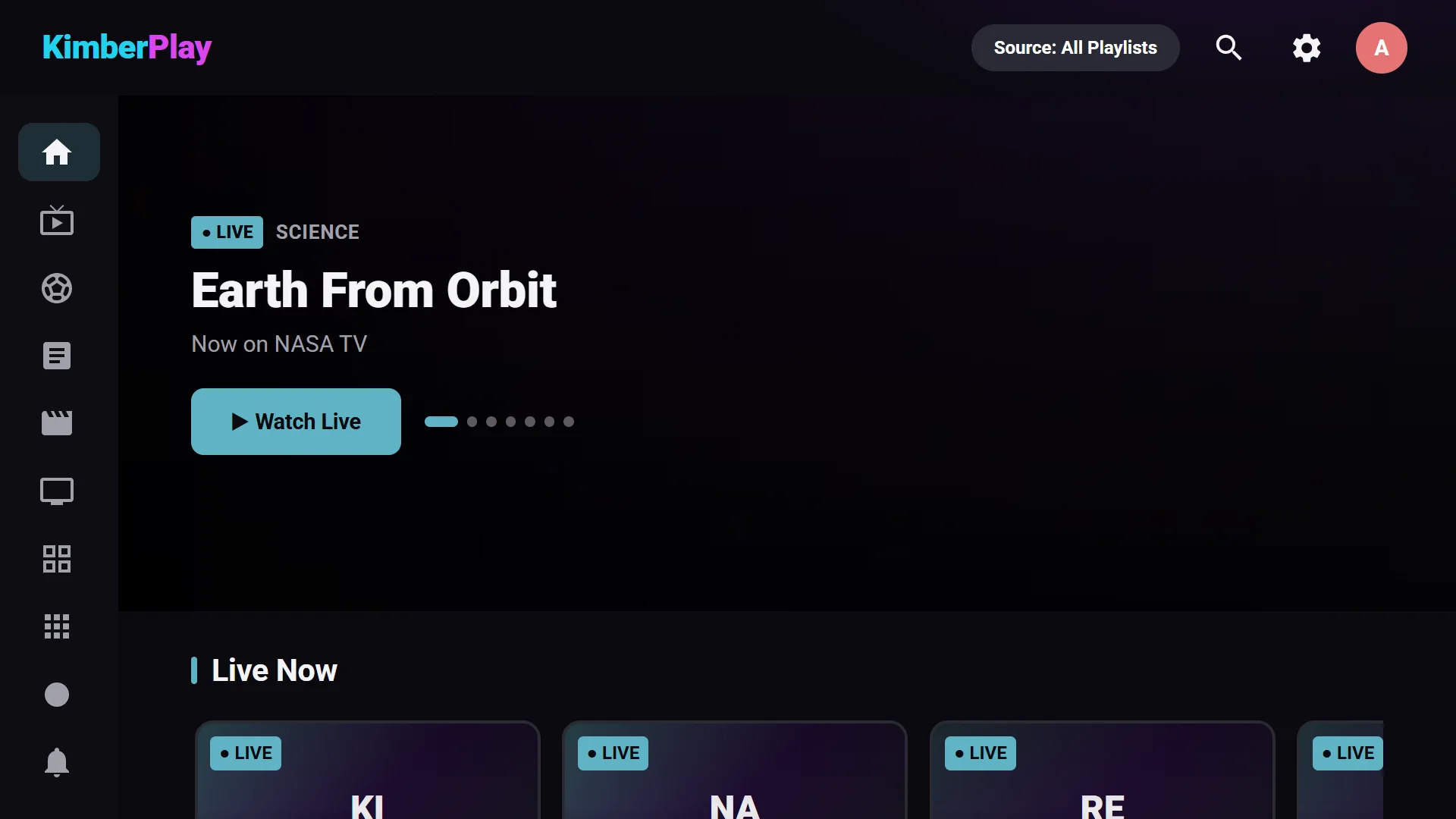
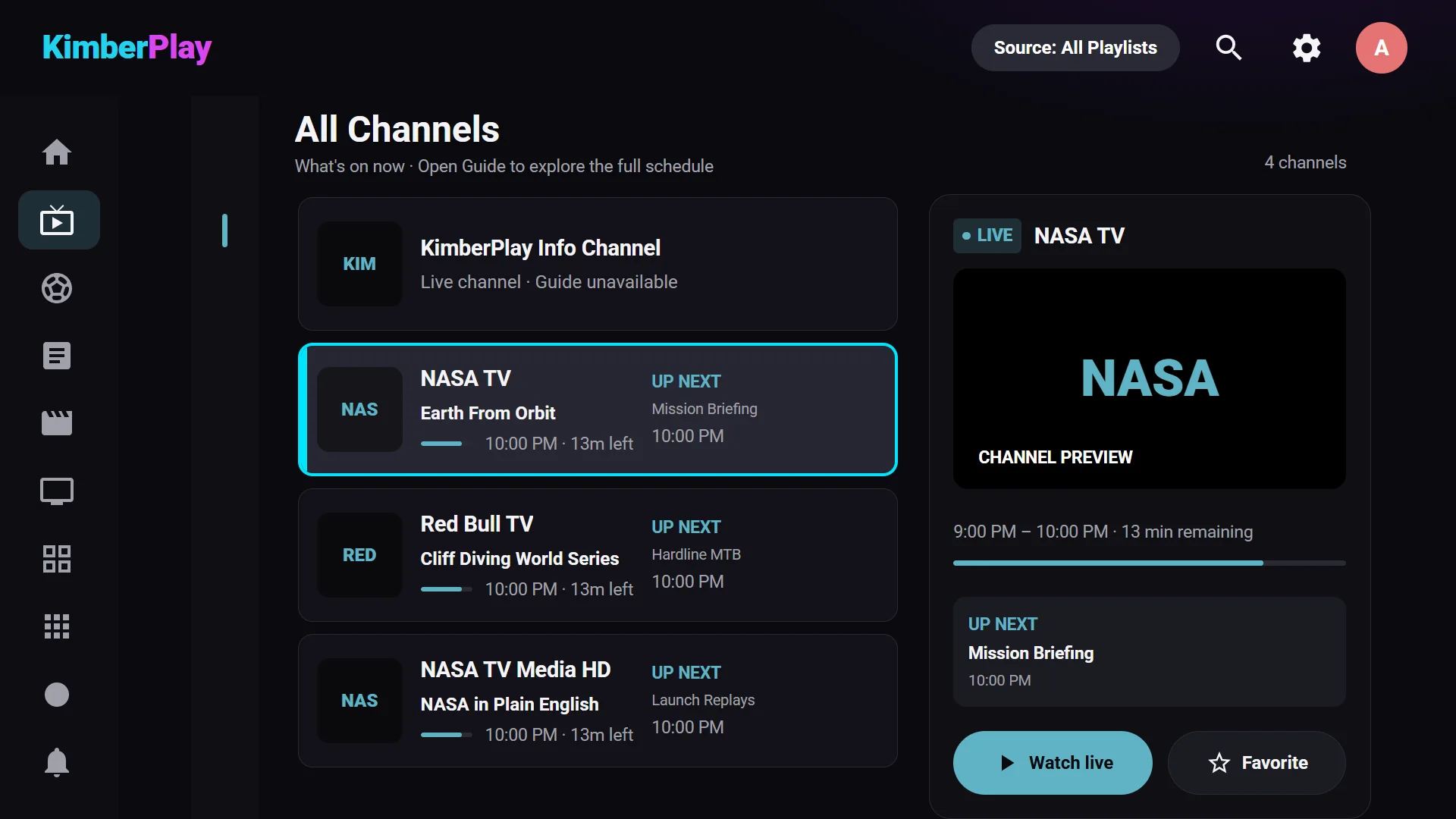
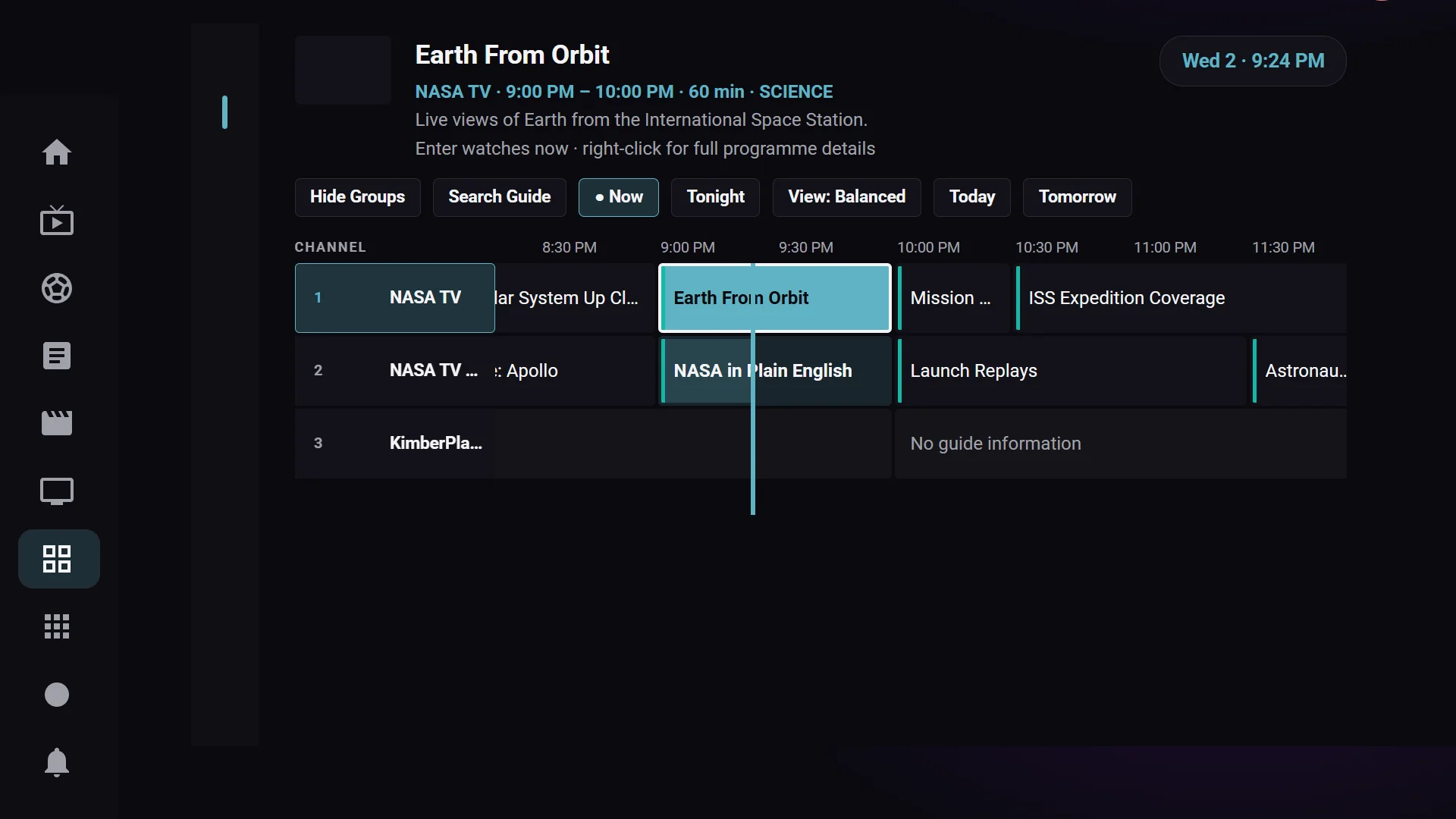
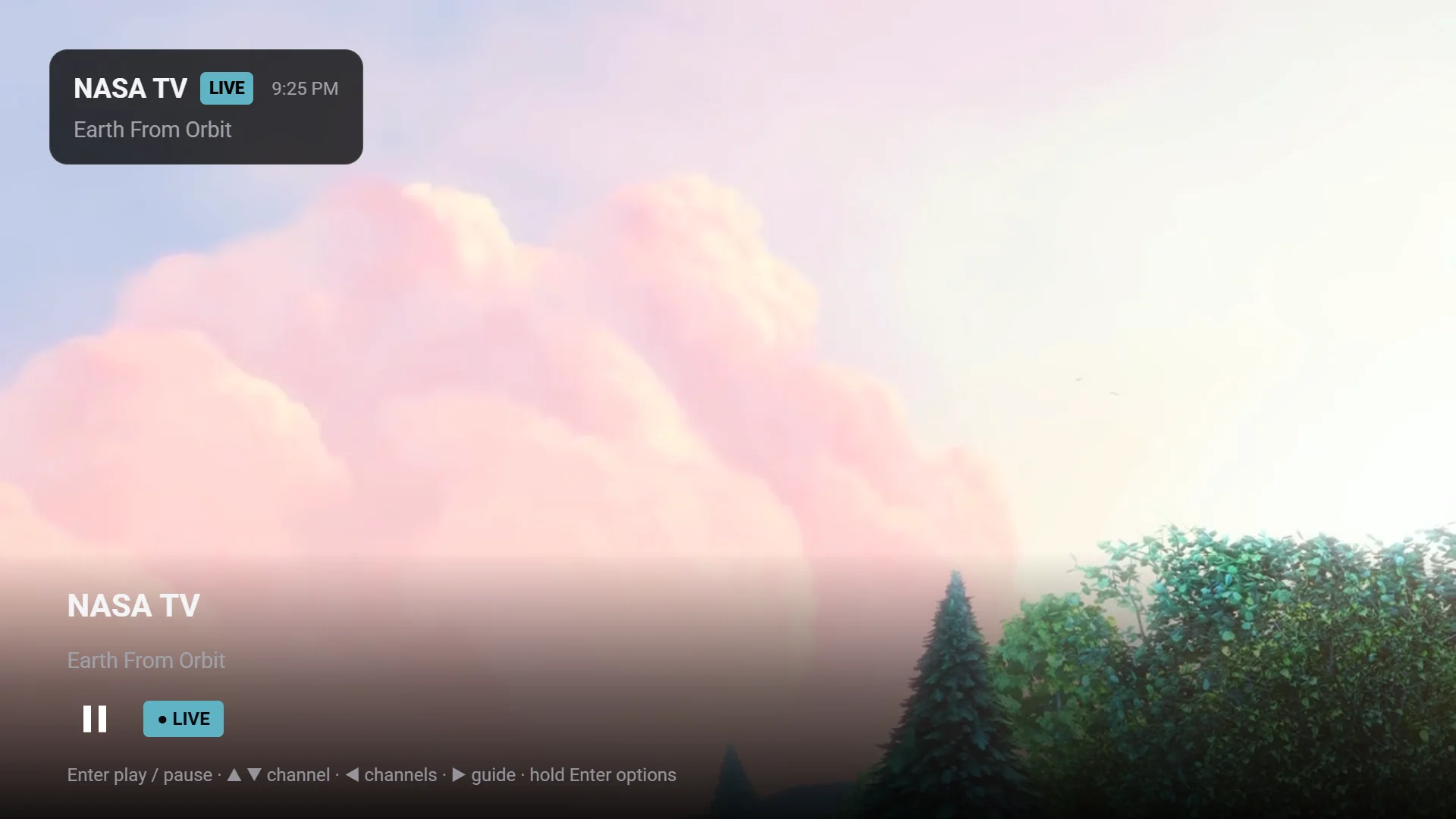
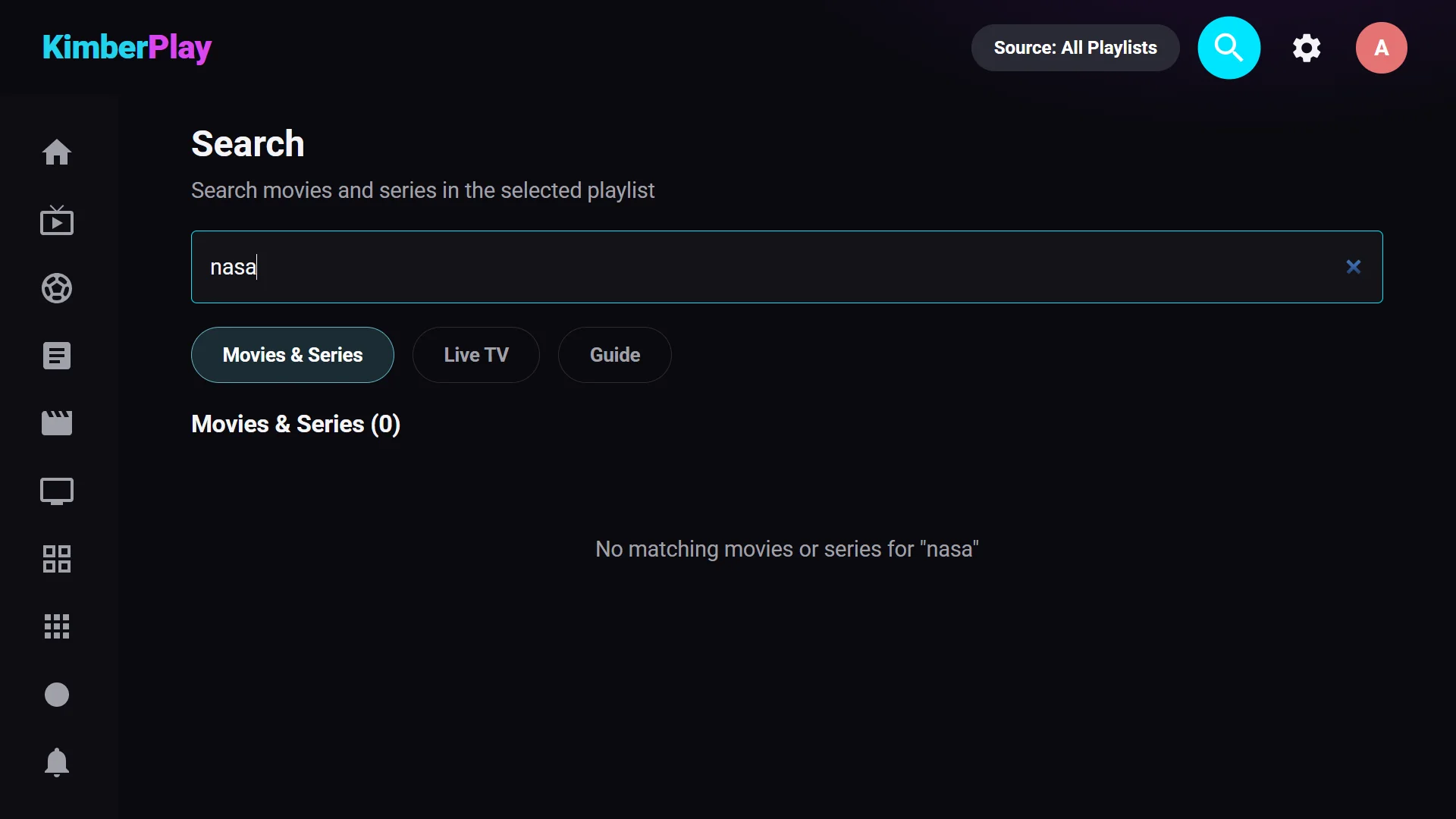
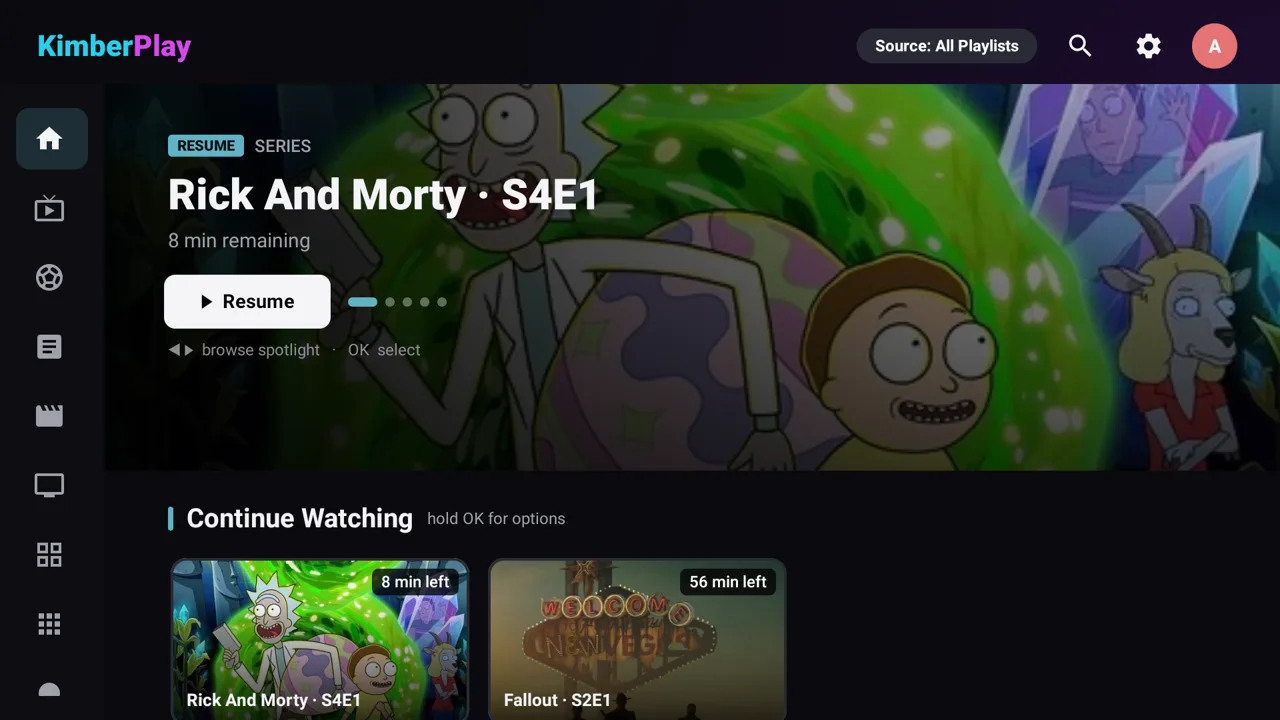
Logo mark: kimberplay-mark.png. The product name is written KimberPlay, one word, capital K and P.
Contact
Press, review and interview requests: support@kimberplay.com with “Press” in the subject.