Kimber
Android TV · Xtream
Xtream Codes player for Android TV
On Android TV and Google TV, KimberPlay signs in with the Xtream Codes details your provider already sent: server, username, and password. The app then asks that server for live categories, movies, and series, and uses the guide the account supplies.
Sign in from the couch
Install the APK from kimberplay.com/apk on Android 5.0 or newer, check the published checksum, and open KimberPlay. Choose Xtream and enter the three fields in their own boxes — do not paste them into the M3U URL field. Press Build My Library. A server address such as https://provider.example:8443 is only an example of the shape, not a service you can log in to.
What an Xtream account can fill in
- Live categories become the channel list, with favorites and recently watched at the top.
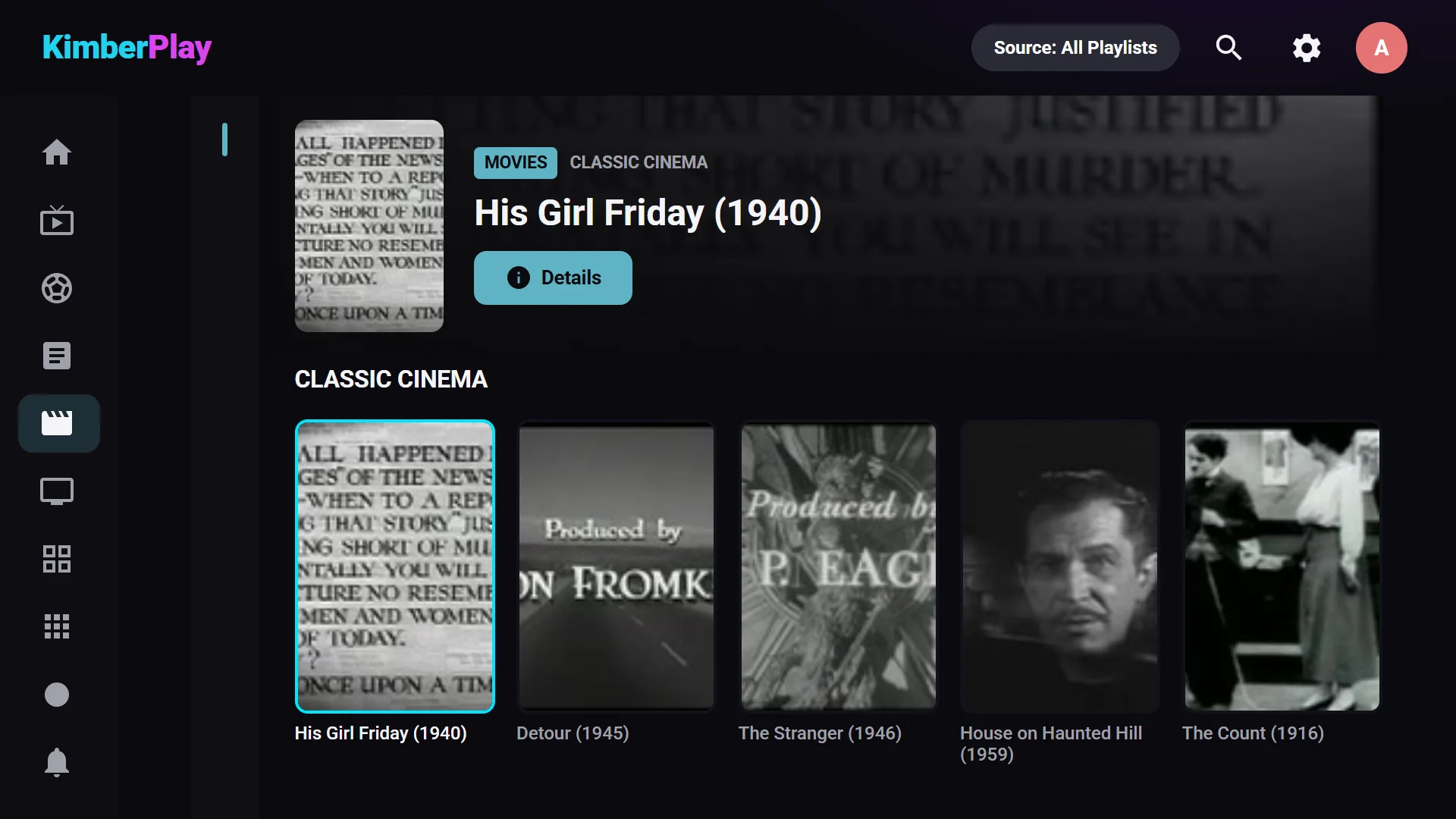
- Movies and series arrive as structured titles: posters, plot, seasons, and episodes when the account includes them, plus continue watching.
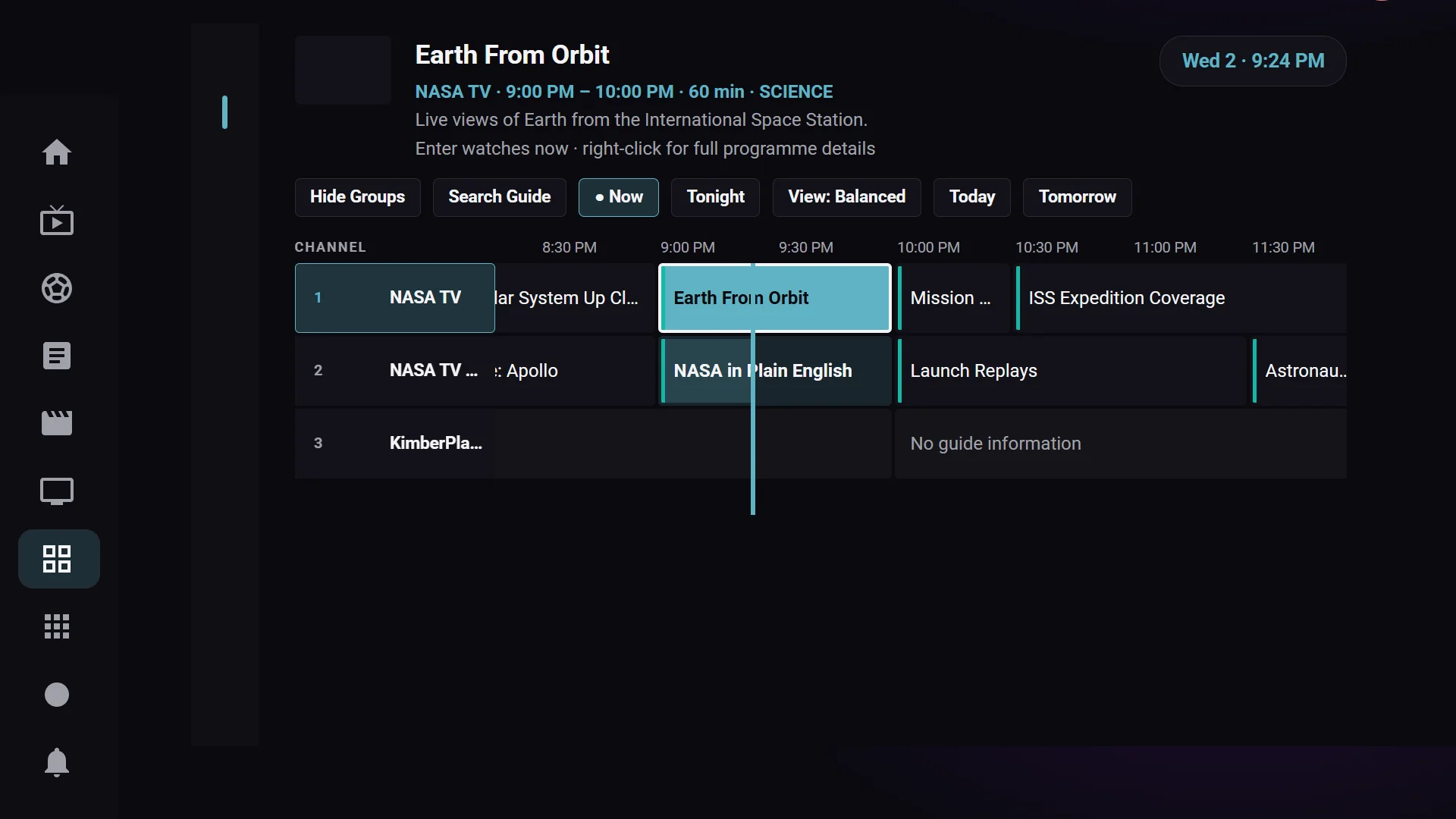
- The guide is part of the account. KimberPlay draws it as a seven-day timeline, with reminders and catch-up where your provider offers catch-up and your plan includes it.
- Search covers channels, titles, and guide programs from the remote.
- Plus on the TV adds multi-view (up to four streams, depending on the device and the account’s connection limit), recording, the Sports and News hubs, optional Cloud Sync, and the phone remote. The free tier keeps one playlist, playback, the guide, and search.
No content included
KimberPlay provides no content or channels. It does not sell, host, or recommend playlists. Use a playlist you are authorized to access.
Brought an M3U URL instead? Use the M3U player for Android TV. The Windows version of this login is the Xtream Codes player for Windows. Which format to prefer when you have both is in M3U vs Xtream Codes. The Android player overview covers Fire TV, Android TV, and what a phone can and cannot do.